Getting Started
The complete workflow:
Record your thoughts, a conversation, or a seminar.
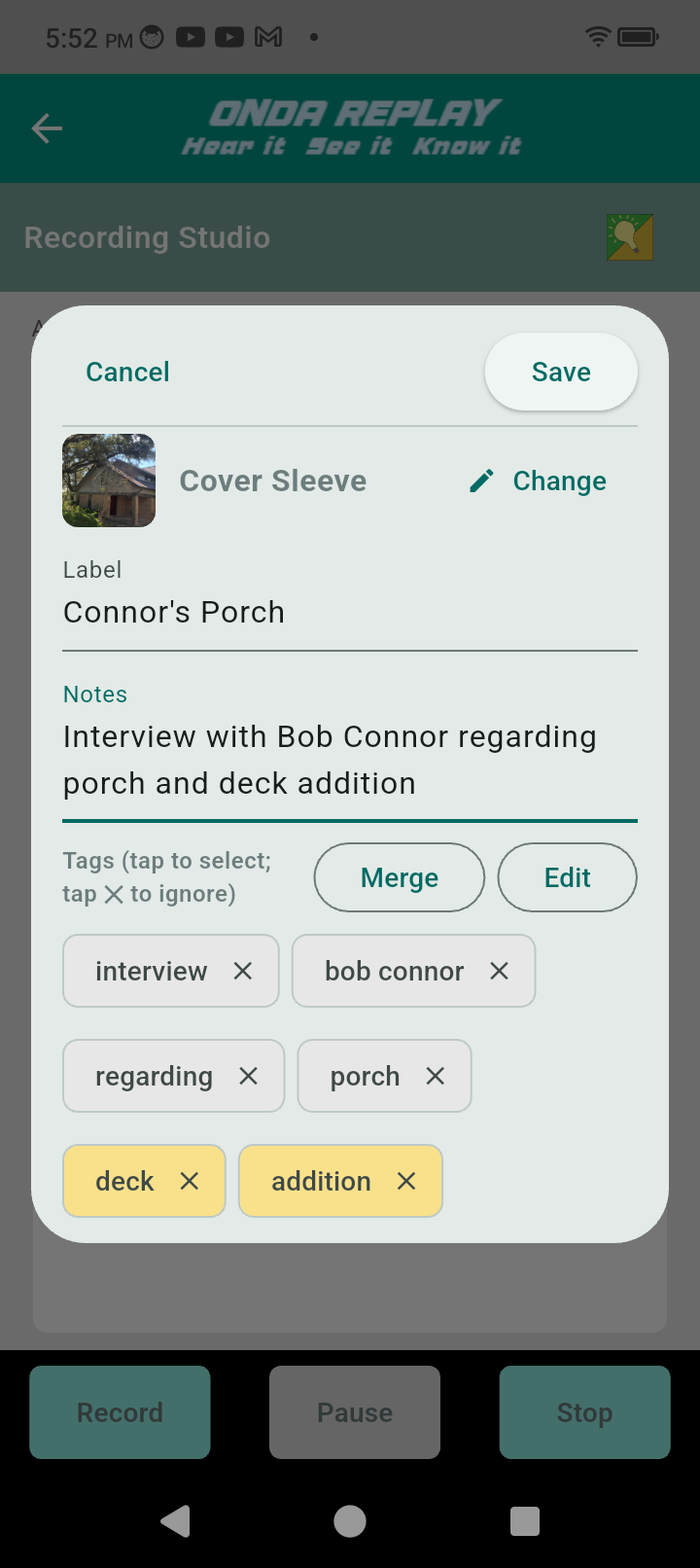
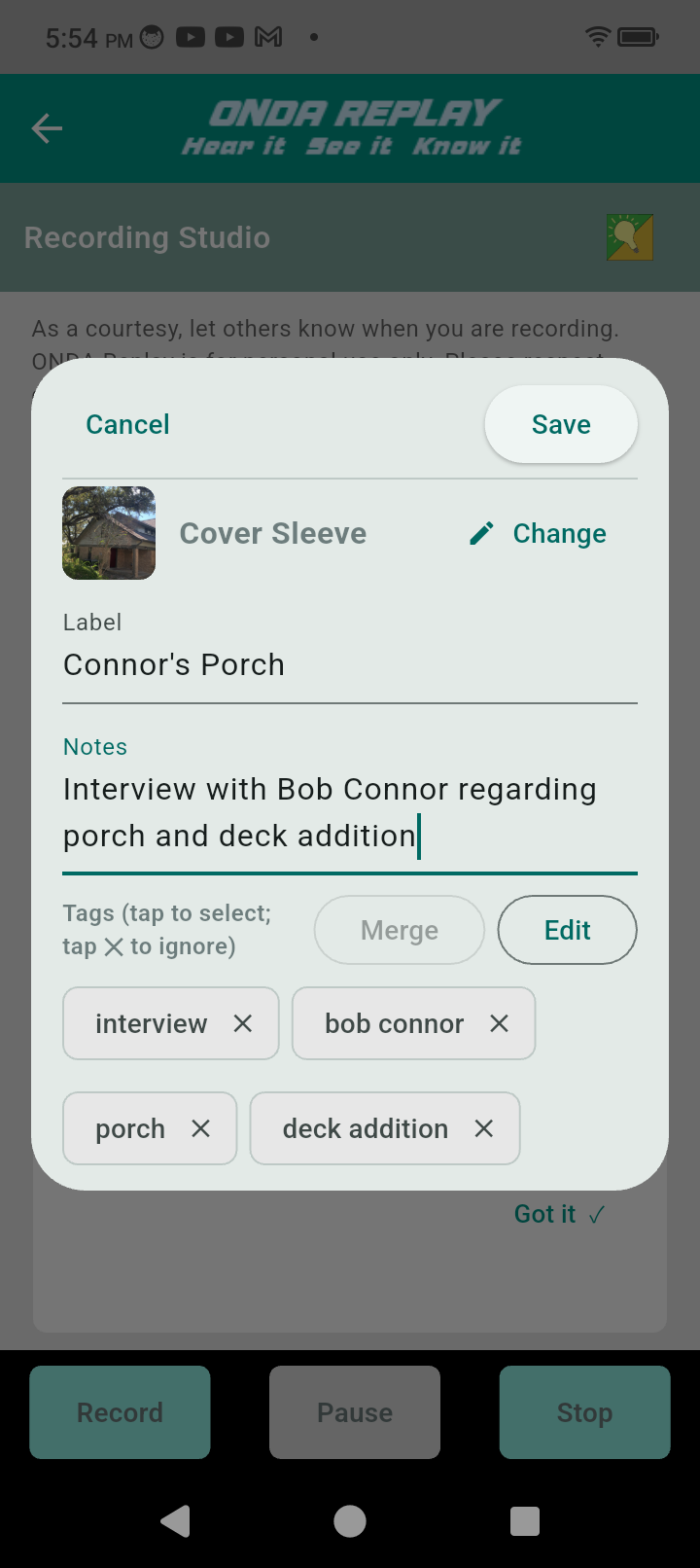
Save the recording + cover
Listen and read the transcript
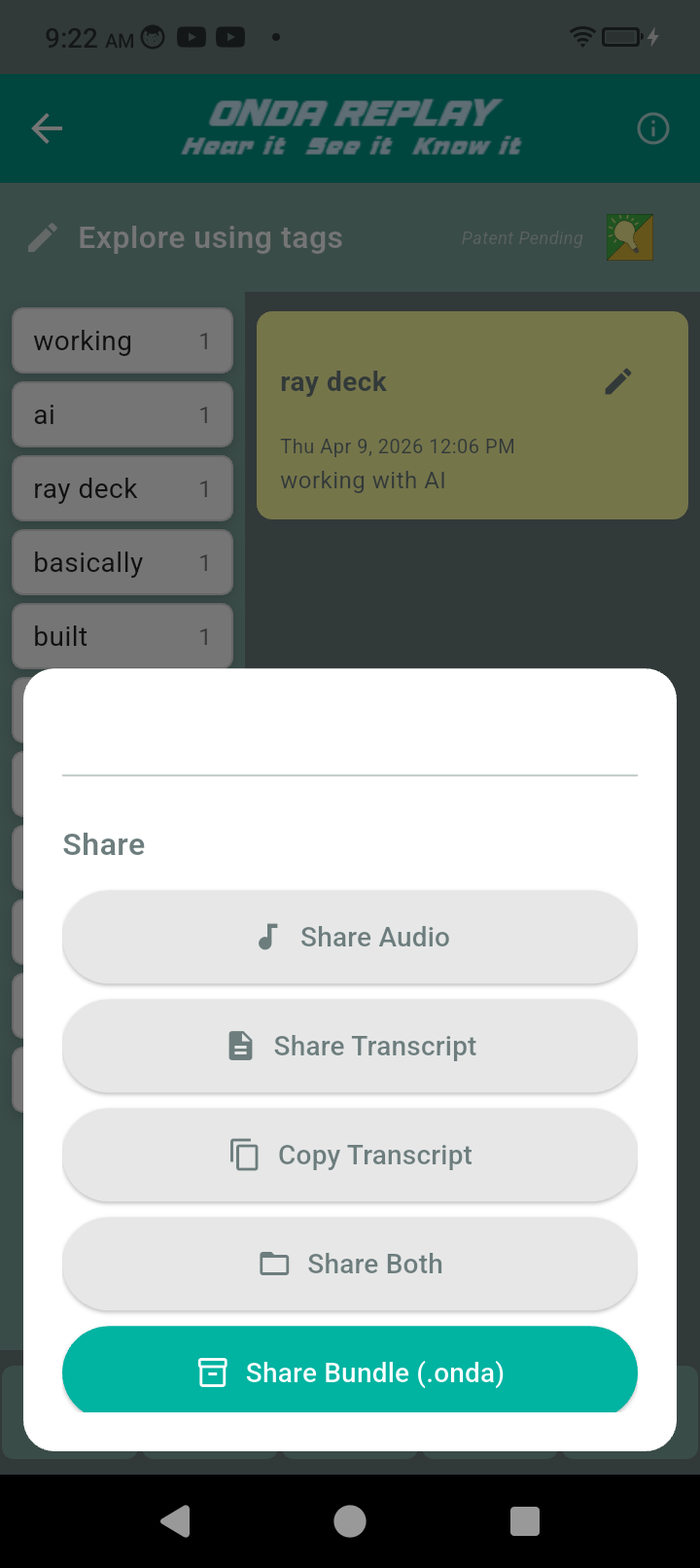
Copy the text and then email or send as an .onda file to include the audio recording
Recall is different from search.
Recall is remembering a place we’ve been before. We get back there, recognizing patterns and relationships, how things fit together a certain way.
Replay leverages our ability to recognize word associations to help us find things faster with less effort. (See About)
How to record anything:
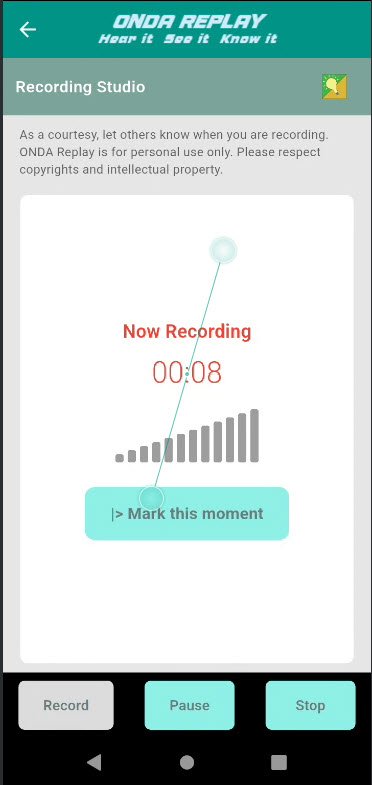
Tap the record button in the lower left.
Please respect copyrights and alert
others you’ll be recording
Tap Record again
NOTE: Mark this moment
allows you to easily find
this moment in the
recording again
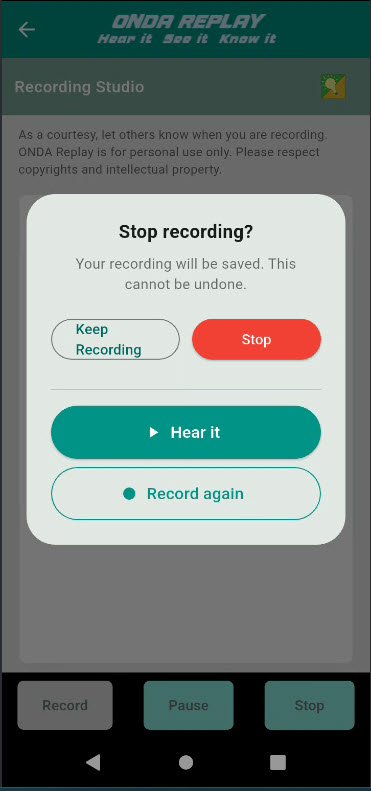
Tap Stop when complete, then options
Hear it: listen before saving
Record again discard recording
try againStop: Confirm completion
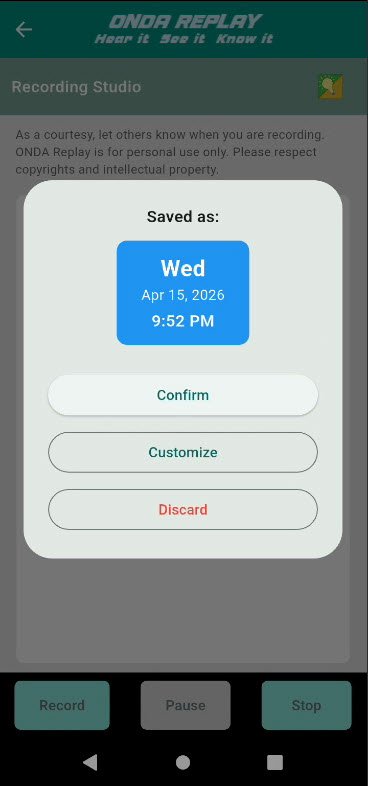
Save the recording:
Tap Stop when complete
‘Confirm’ - save file with
default cover‘Customize’ - add cover
image including adding
to or creating an album‘Discard’ will delete the
recording
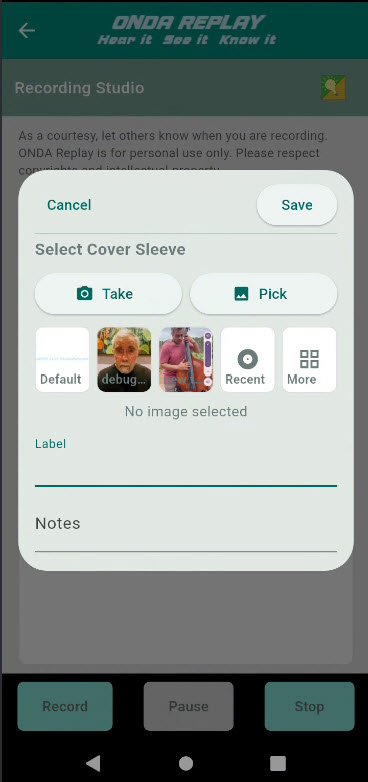
Complete the recording
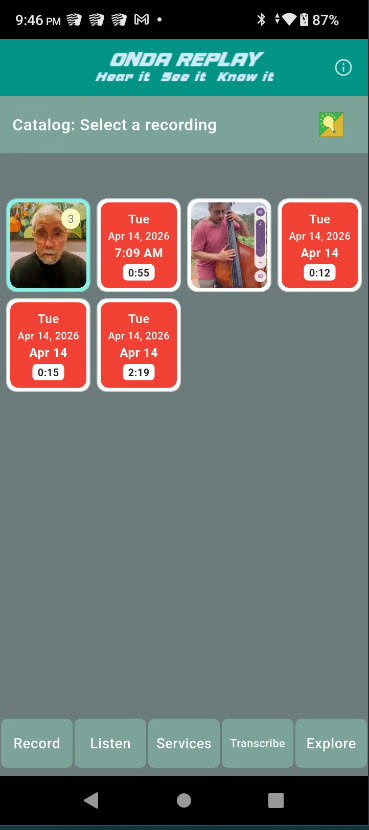
Tap Save to return to the
catalog screen
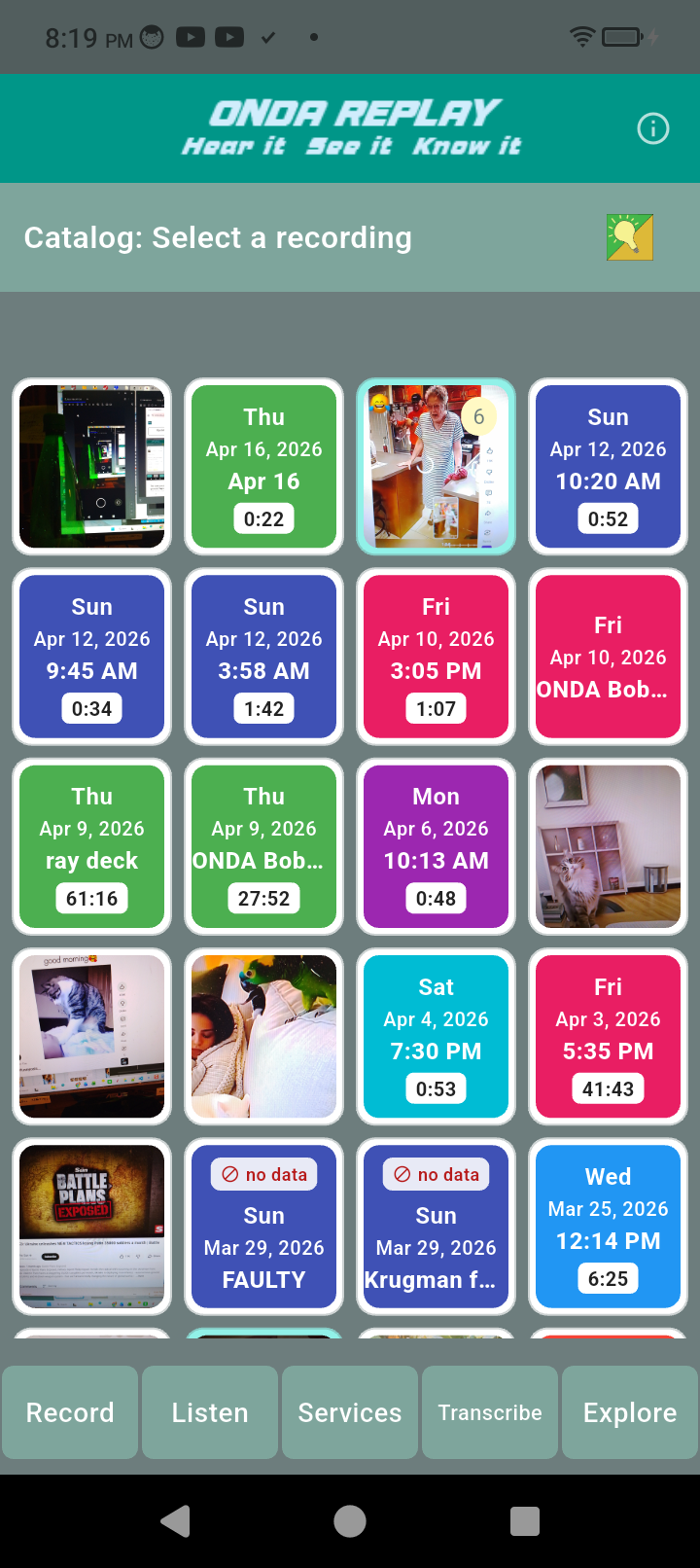
The latest recording is in the
upper left corner
Tap a recording to listen and read the transcript
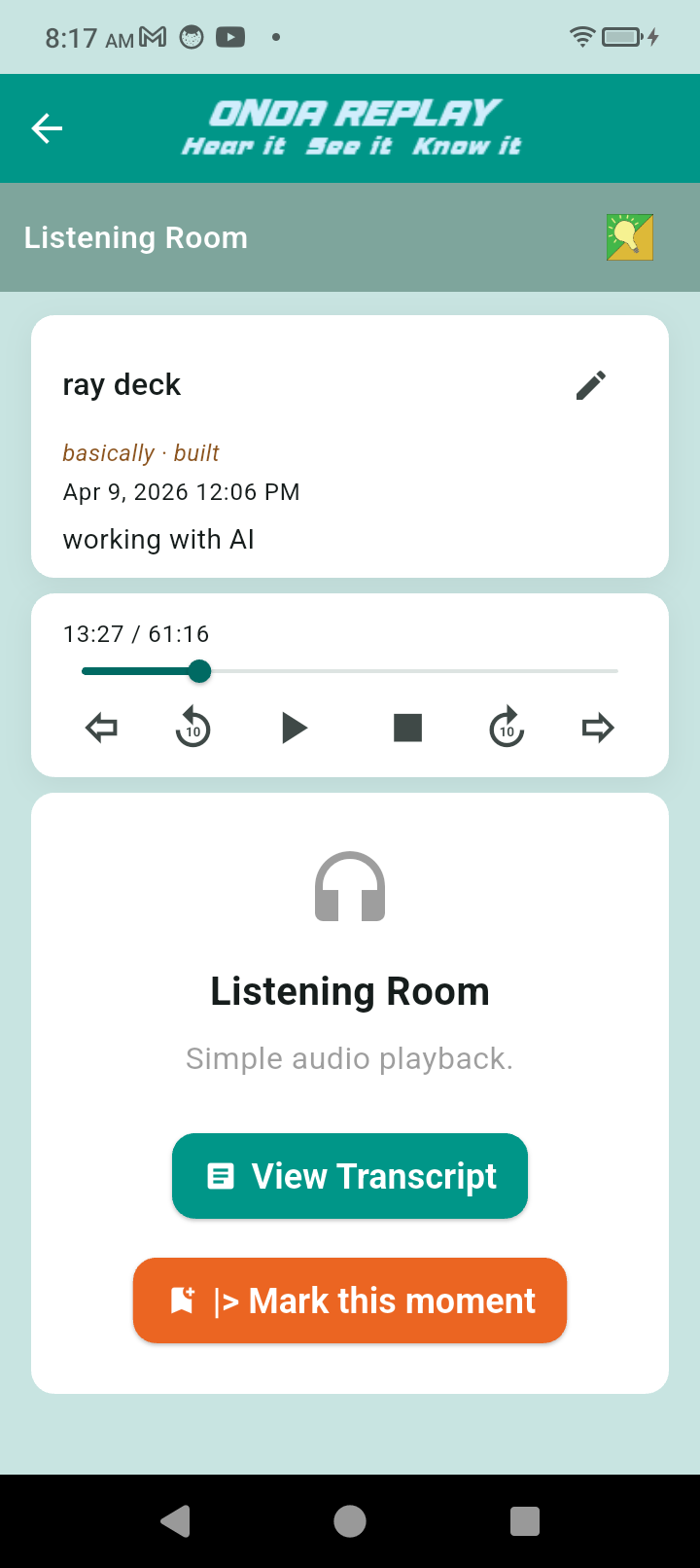
The Replay audio controls allow you to play, pause, and stop. The scrub bars allow you to scroll fast
There is one hour of free transcription every month.
Subscription of $8.99 / month adds another five hours of transcriptions and a share code for a friend or relative.
Transcribe a conversation:
Listen to the audio file while
following along reading the
transcript
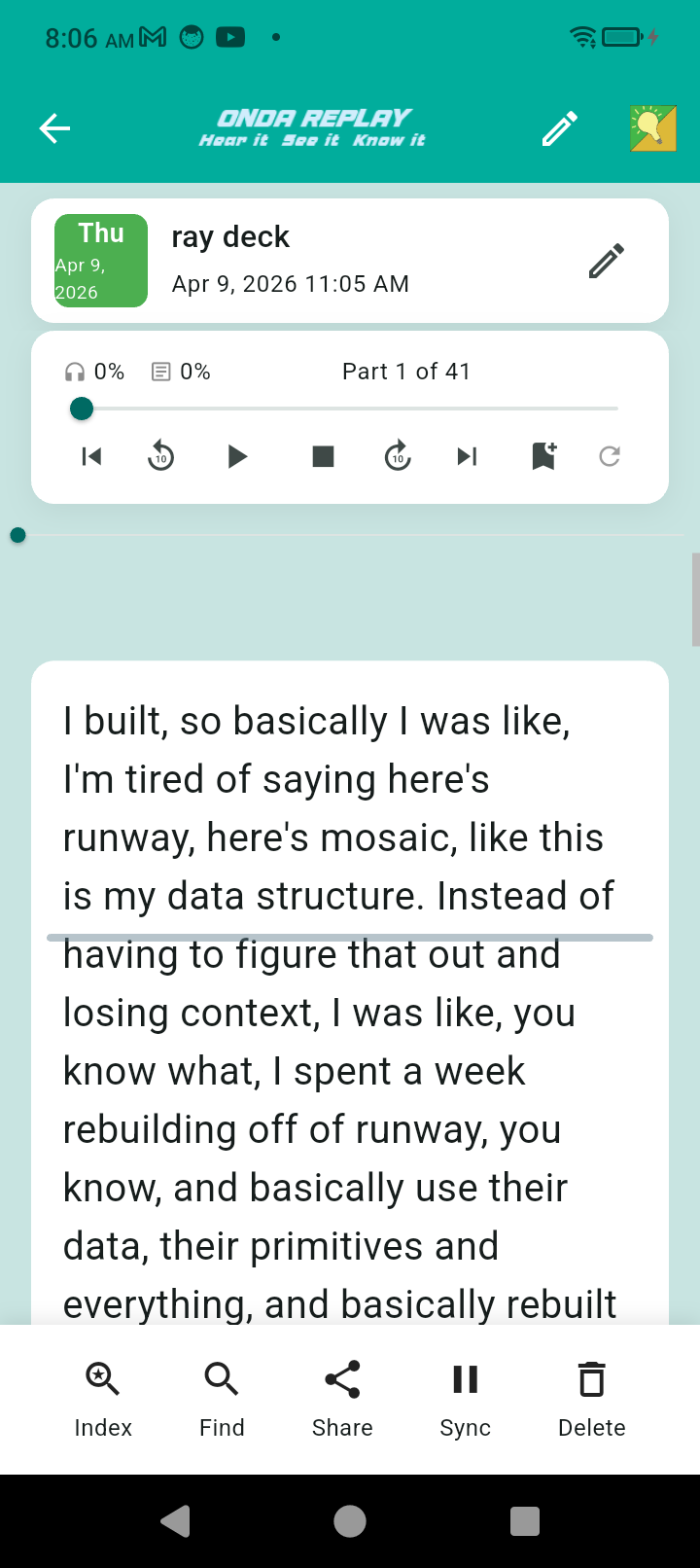
The transcript will move
independently from the audio
recording.
Tapping a rewind or fast forward
control will pull then into approxamate
alignment.
Share a recording with a friend
or loved one.
Email is easy and convenient for short recordings.
Bundle the audio, transcript, and
cover art with a .onda extension.