
Update label
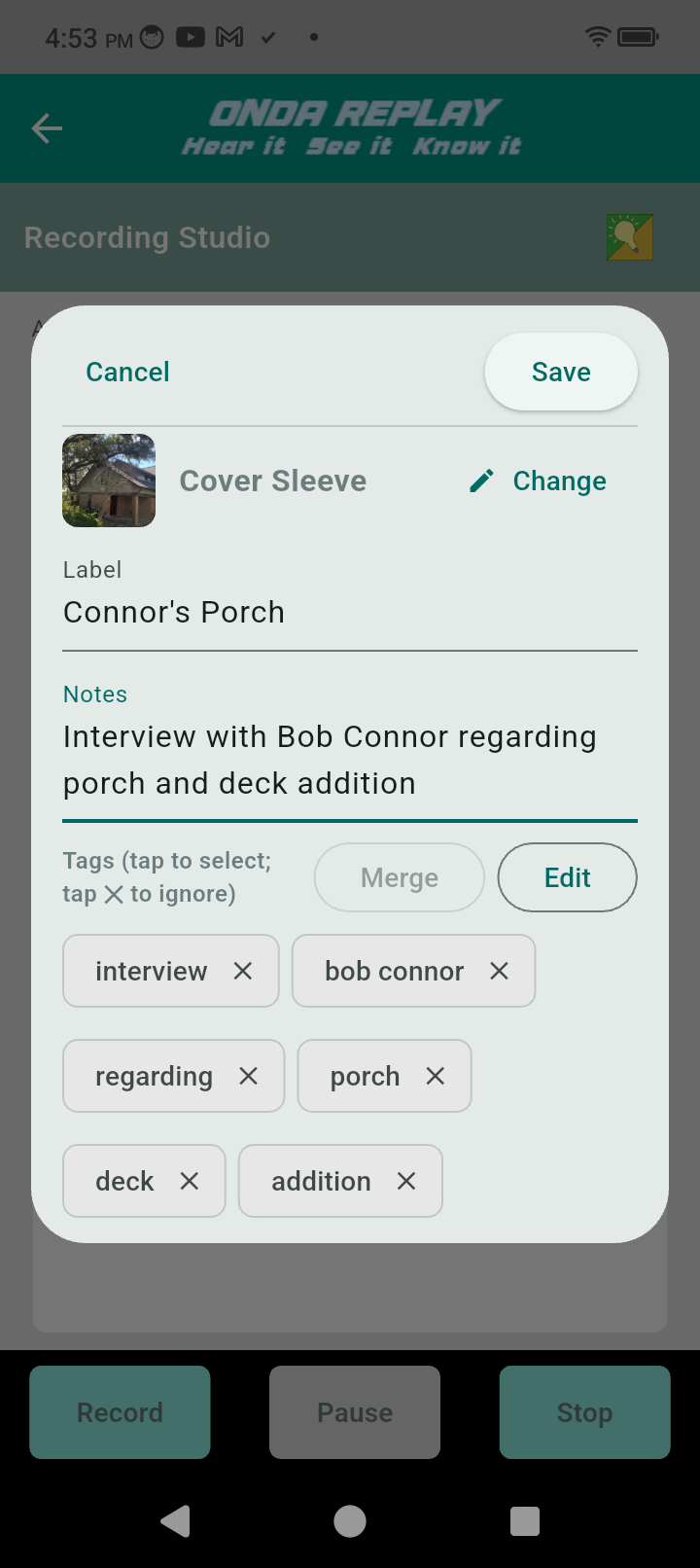
The recording Label identifies the recording much like a record label. The label, cover, and notes are visible when the recording is selected.
You can type it in or dictate the label.
You can update the label in any of the edit screens. Words in the label also become tags.
Tags appear below the notes and may be merged (like first and last names) to create more meaningful tags.
Tags offer a very efficient way to find your recording among many, many recordings as you library grows. That is a major benefit users discover with Replay.
Additional steps: